How to create a signature form from an outline?
"We are a not-for-profit and we are needing to create a volunteer form"- Google Docs Editors Community
Your next event is close and every volunteer has to fill in a form and sign it before they start. Not-for-profits and small organizations in this spot often reach for Google Forms. A blank Google Form is free, but it has no signature question and writing every question yourself takes an evening you don't have. With Formesign, you type what the form is for and get a draft with the questions and a signature to edit. Instead of a blank page, you start from an outline and change only what doesn't fit. Your volunteers sign on any phone or computer and you get each signed form as a PDF.
Let's start. Create your form and follow the steps below.
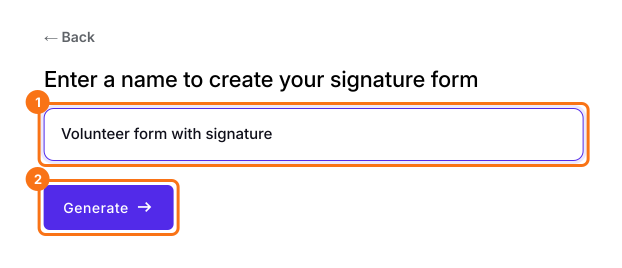
1. Enter a name
Click on Create your form, click Enter your form name, type what the form is for and click Generate. Volunteer form with signature gets you closer than Form.
2. Check the outline
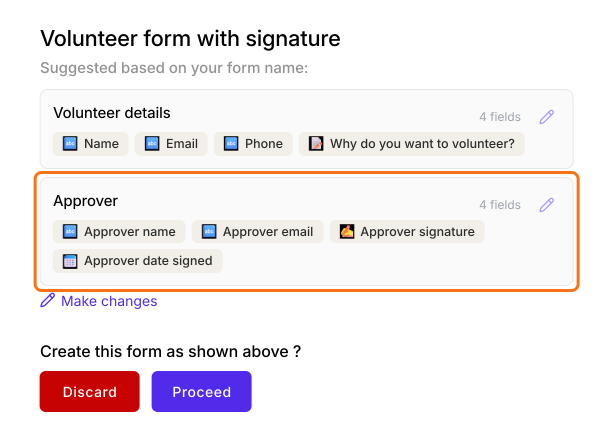
Each section lists its fields, so check that the questions fit your volunteers. The last section is the signer. The AI picks it from the name you typed, so it may not be who you want.
3. Ask for changes
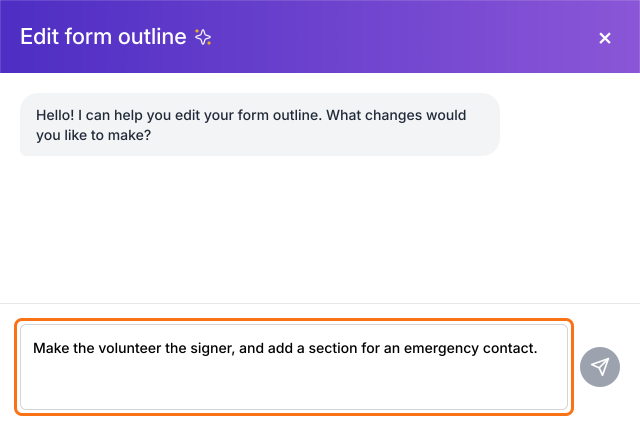
Click Make changes, say what you want in plain words and click the send arrow. Here the volunteer signs, so ask for that.
4. Create the form
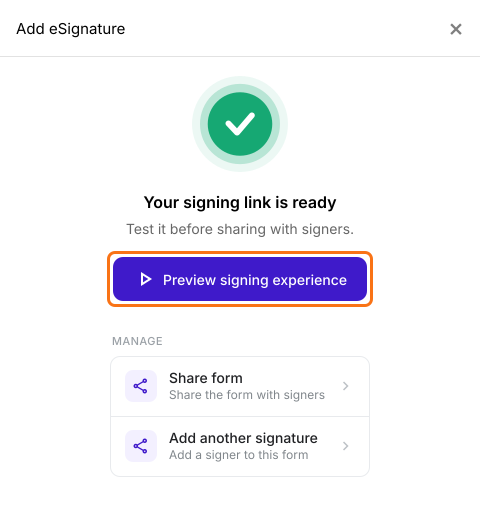
Click Proceed. The Add eSignature dialog says Your signing link is ready. Click Preview signing experience to try the form as a volunteer before you share it.
5. How a volunteer signs
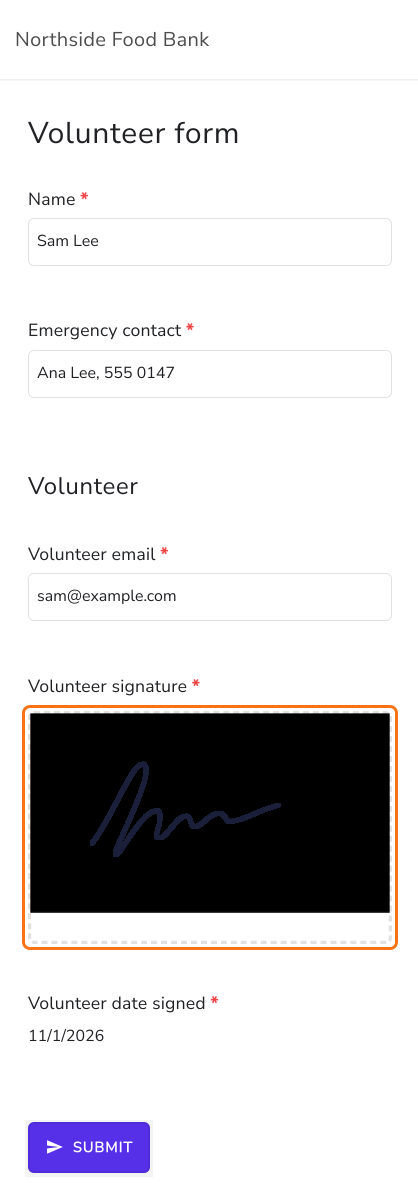
Click SHARE, click Copy and send the link. With one signer, their part is hidden on your link. Whoever opens it fills it in, clicks SUBMIT, enters the signer's email and clicks Proceed. The signer clicks Review & sign in their email, draws their signature and clicks SUBMIT.
Summary
Building a form with a signature from a blank Google Form takes time and it still has no signature question. With Formesign, you type what the form is for and get a draft with the questions and a signature, ready to edit and share. Create your form and complete the steps above.
Last updated: