How to edit your website?
Businesses change: a new product, new hours, a new story to tell. You want to change your website's words yourself, without hiring anyone or learning a second tool. A Google Form gives you one page and nothing around it, and Google Sites is a separate site to learn, with no link to the form that takes your orders. Neartail's website is made from your order form. From your form's SHARE page, click Website, then Edit, and you change each page in place, from the home page to About and Contact. Products come from the form, so a product you change there changes on the site too.
Let's start. Create your site and follow the steps below.
How to edit your website?
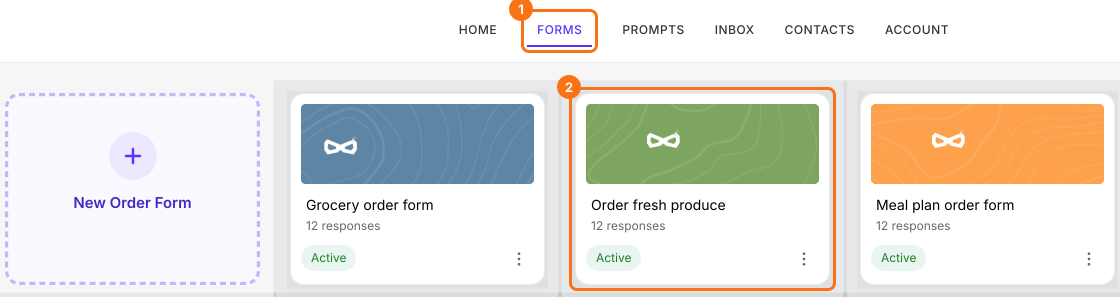
- If you just created your site and it says "Your website is live", click Edit site and skip the next two steps. Otherwise log in to Neartail, click Forms and click your form.
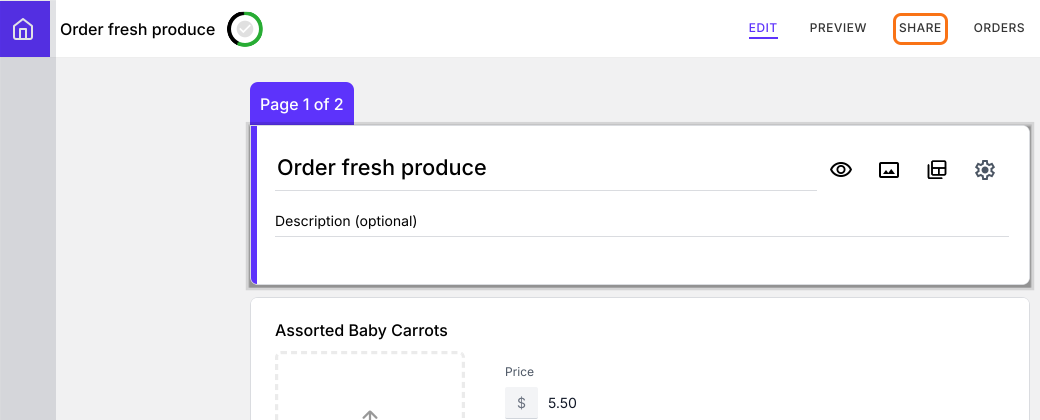
- Click SHARE.
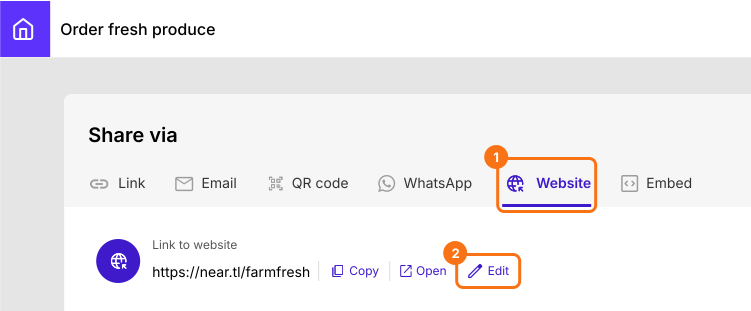
- Click Website, then click Edit.
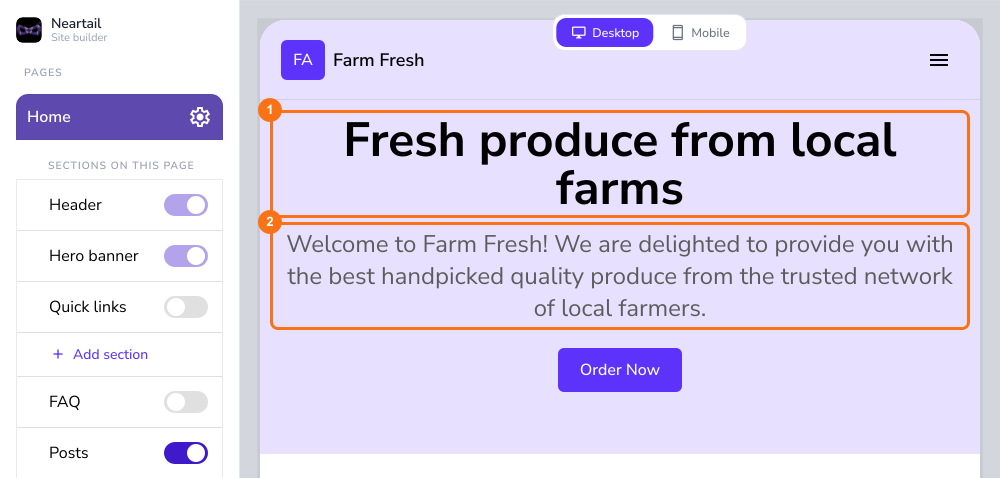
- In your website's editor, click the title or description on the home page to change it. To change another page, click it in the left menu and edit it in place.
Summary
To change a website yourself, a Google Form gives you nothing to edit and a separate builder takes time to learn. With Neartail, you open Website, then Edit, from your form's SHARE page and change each page in place. Create your site and complete the steps above. If you have any questions, write to support.
Last updated: