How to accept PayNow payments in Google Forms?
In Singapore, many customers would rather pay with PayNow than with a card. Google Forms can show your UEN or a picture of your PayNow QR code, but it can't put the amount in the code. So customers type the amount themselves, send you a screenshot and you check each one by hand. With Neartail, customers see the total when they submit and scan a PayNow QR code to pay you. Each order then waits on your Kanban board until you've checked it, so you aren't scrolling through screenshots.
Below are two ways to take PayNow payments with a Google Form, and where the first one falls short.
1. Put your UEN or PayNow QR code in the form
Add your UEN to the form's description, or your PayNow QR code as an image, and a file upload question for a screenshot of the payment. The code has no amount in it, the upload makes everyone sign in with a Google account, and you open each screenshot to check it.
2. Take PayNow payments in the form with Neartail
Neartail adds a payment step to your Google Form. When customers click Submit, they see the total and a PayNow QR code, pay you and click Mark as Paid.
- Click Create your form, then Enter your form name. Type a name and click Generate.
- Check the outline it suggests and click Proceed. Your form opens on the Edit tab.

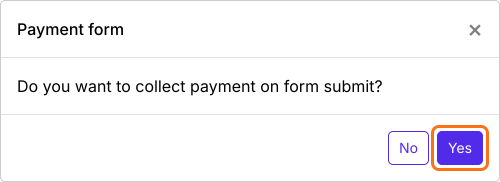
- When it asks "Do you want to collect payment on form submit?", click Yes.
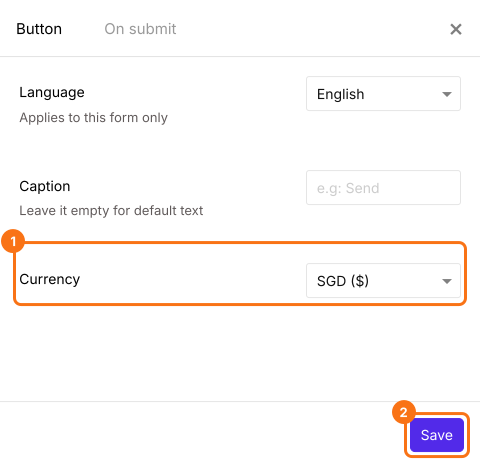
- PayNow is listed only for forms in SGD. If your form is in another currency, close the Payments panel, click the gear icon in the After payment row, the last row above the Submit button, select SGD in Currency and click Save. Then click Edit in the Payments row.
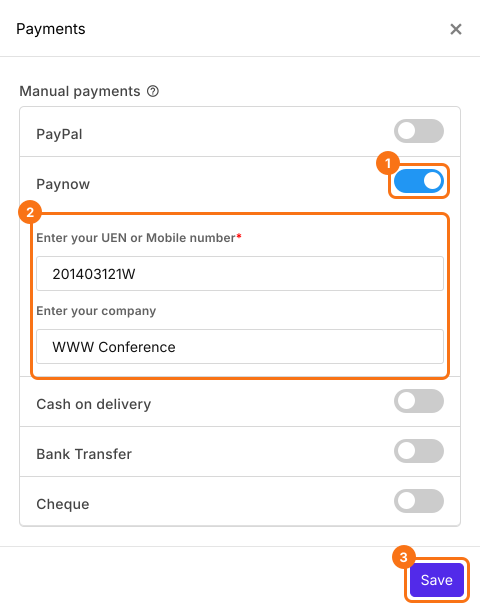
- Under Manual payments, turn on Paynow, enter your UEN or mobile number and your company and click Save.
Check the amount
The amount people pay is the form's Order Amount, which adds up the products each person picks. To charge one fee to everyone instead, read How to collect a fixed amount.
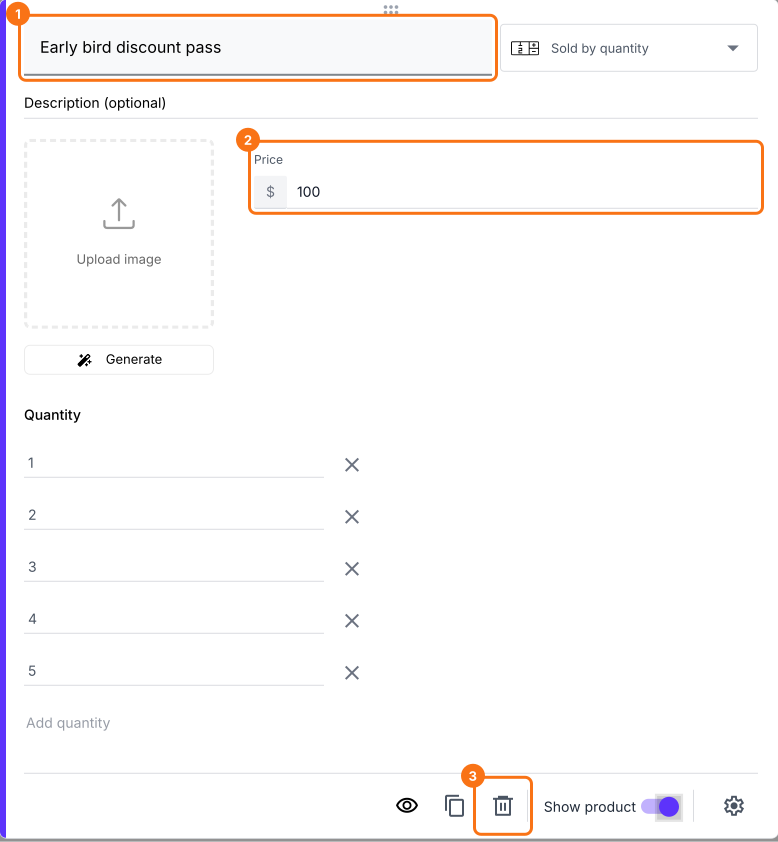
- Click a product card to change its title or price. To remove a product you don't sell, click the delete icon at the bottom of its card.
- Click Preview and submit the form to try it.

When a customer clicks Submit, they see the Total Amount and a QR code. They scan it to pay you with PayNow and click Mark as Paid. If you turned on more than one way to pay, they choose one and click Proceed to payment first. To check each payment, read How to see who has paid in Google Forms?
Summary
Google Forms can show a UEN or a QR code but can't put the amount in it, so PayNow payments come back as screenshots you check by hand. With Neartail, customers see the total when they submit and pay it with PayNow from a QR code. Create your form and complete the steps above. If you have any questions, write to support.
Last updated: